 Cheqq
CheqqThe Cheqq alternative to Teable
Both give you a fast AI database. One keeps going after that.
Teable is a good product and an honest one — a Postgres-backed base that stays quick at scale. Cheqq takes the same starting point and adds the surfaces that come after: apps on the open web, real .pptx and .xlsx output, and an agent per system you run.
 What Teable is for
A no-code database built on Postgres, open source and self-hostable, designed to stay fast as tables get large and to bring AI into the base itself.
A workspace where the base is one of five surfaces. Records, deterministic workflows, published apps with server-enforced permissions, generated documents, and a specialist agent per installed system.
Why people start looking
Nothing here is a knock on Teable. These are the points at which one product stops being the right shape for the job, whichever product it is.
You still need the layer above
A fast base is necessary and not sufficient. The portal, the report and the recurring process are separate problems that keep landing somewhere else.
Customers need a page, not a view
Sharing a base view and publishing an app to your own address are different things, and only one of them is something you would send to a customer.
The deliverable is still a file
However good the base, what gets sent to a client or a board is a deck, a sheet or a document — and that is still assembled by hand.
One assistant for everything
A single AI over all your data has to guess which part you mean. A specialist scoped to one system already knows.
Cheqq vs Teable
Row by row, in plain terms. Where Teable is the stronger answer, the row says so.
TeablePostgres-backed collections, sized by plan.
Postgres-backed and explicitly engineered for large tables — the thing Teable is best known for.
Hosted only.
Open source and self-hostable. If you want to run it yourself or read the code, that settles it.
Columns that research the web with citations, score and classify — typed output including select, number, currency, image and video, with a cost quote before the run and per-cell history you can restore.
AI field types that generate content from the base.
Six trigger types, branching, loops, sandboxed code, retries, and approval steps that hold for a named person and escalate.
Automations over the base.
Published at their own address, with a binding that lists the fields the app may touch and a server that enforces it, plus deploy history and one-click rollback.
Shared views and forms.
Real .pptx with native chart objects, .xlsx, .docx and .pdf, themed with your brand's fonts and colours — editable, versioned and shareable by link.
Not part of the product.
One agent you talk to, with a specialist behind it per installed system, each scoped to its own data. Every turn can be restored or forked.
AI assistance within the base.
Based on each product's publicly documented capabilities. Both move fast — if something here is out of date, tell us and we will fix it.
What you would build instead
Not features to evaluate — sentences you could type on your first afternoon, and what comes back.
Ship the thing the data was for.
A booking page, a client portal, a public directory — described in a sentence and live at its own address, reading the same records, restricted to the fields you name.
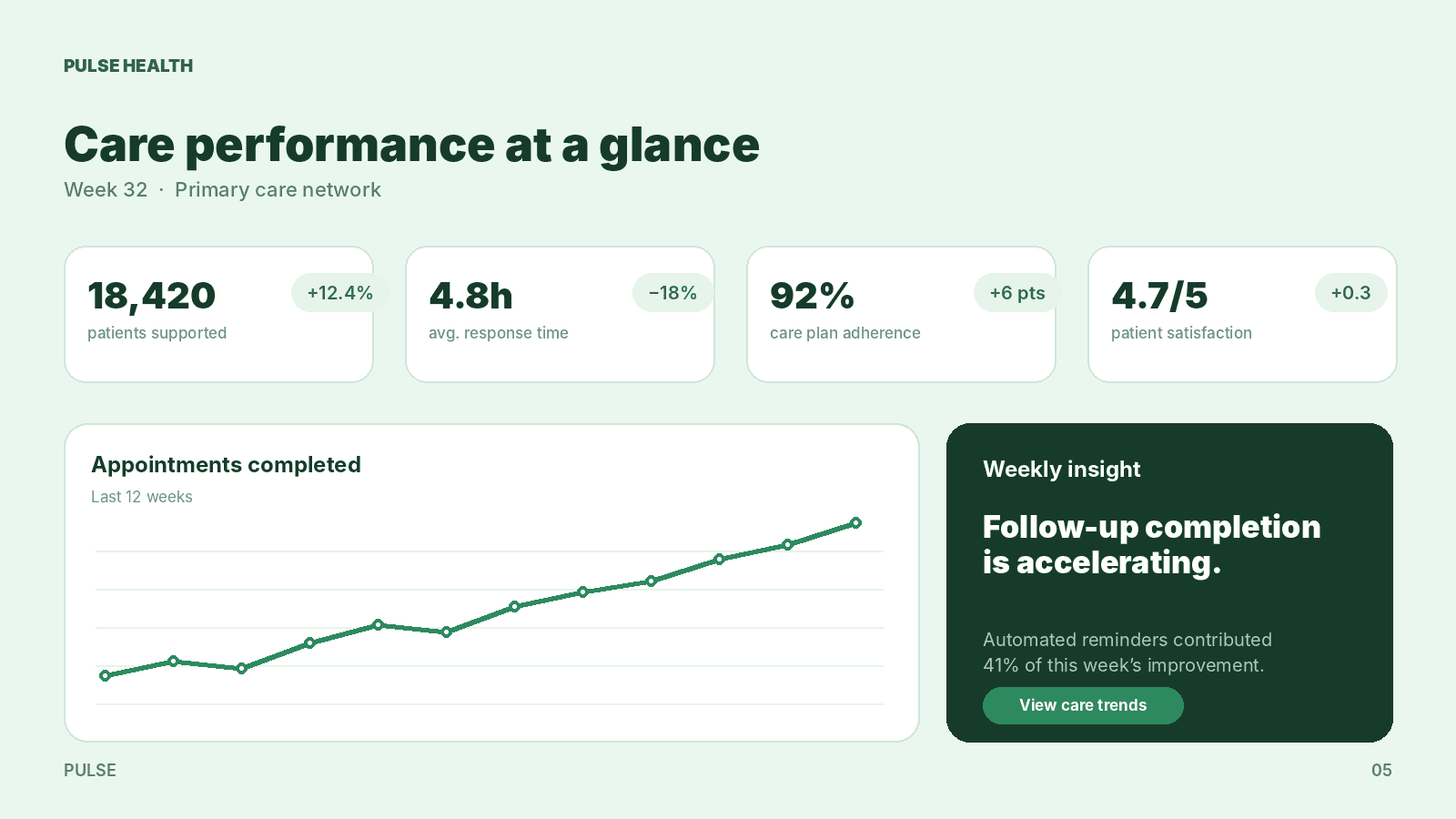
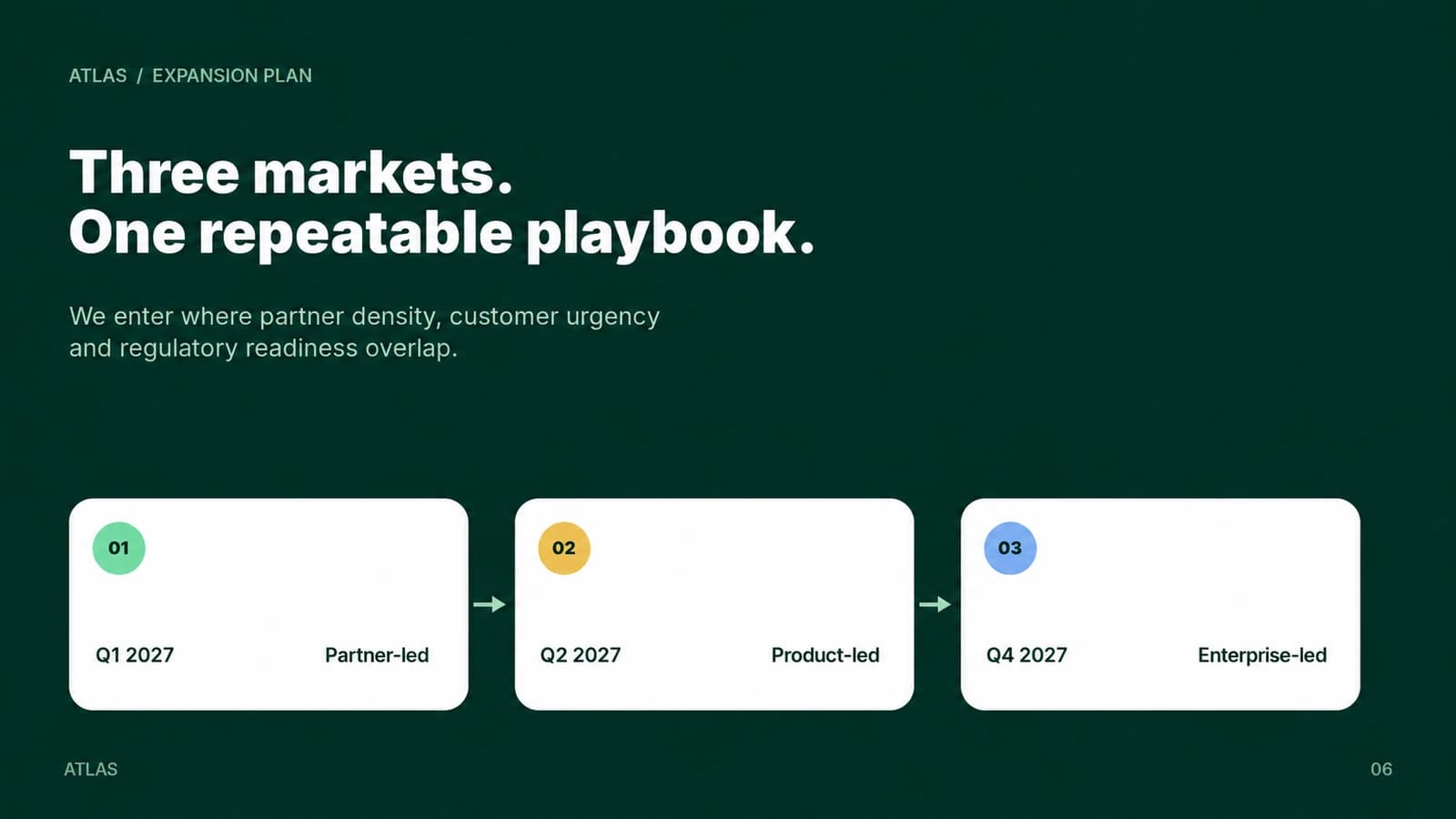
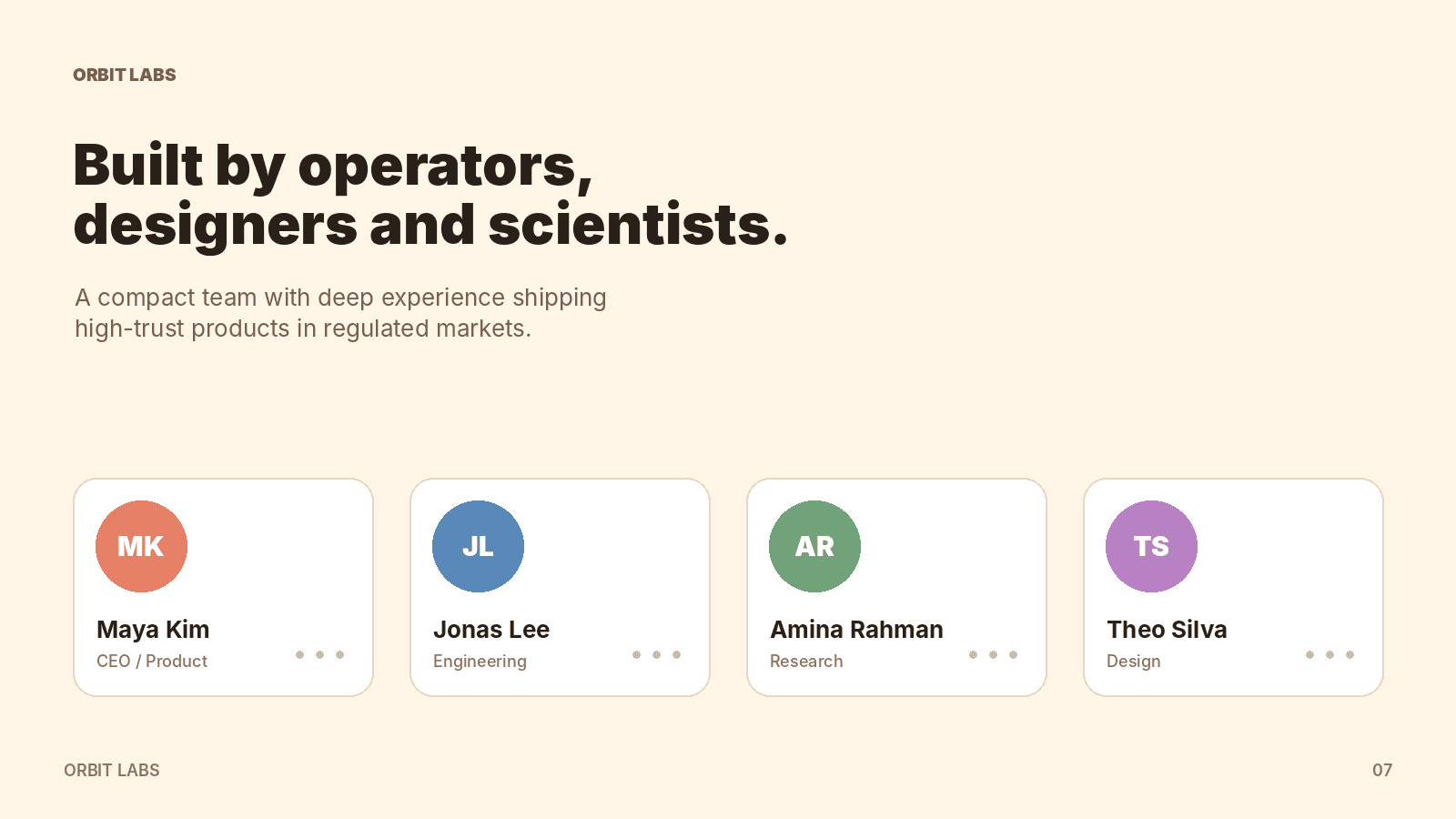
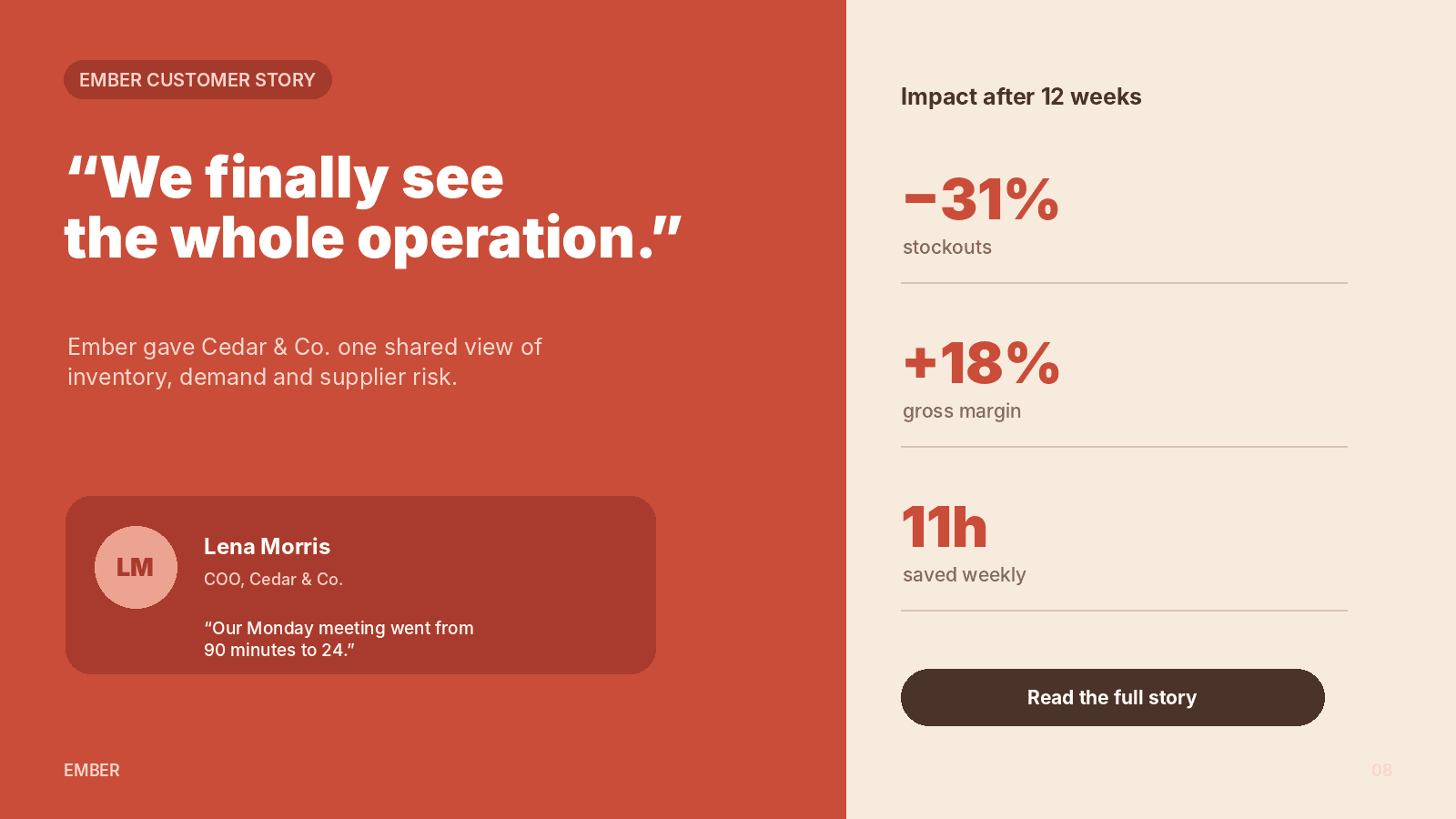
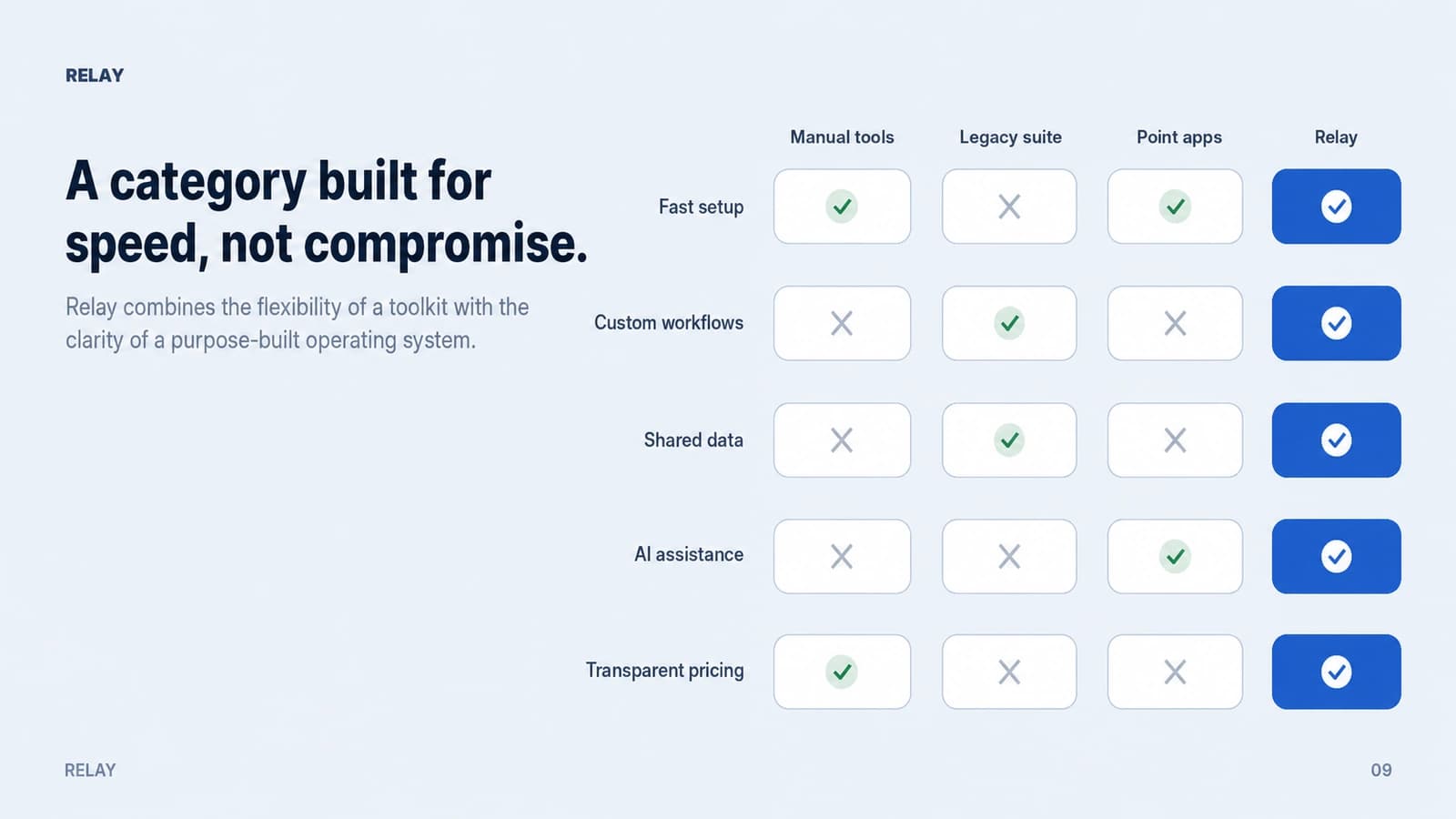
A real deck, not a screenshot of a view.
Layouts chosen to fit what each slide says, charts drawn as native chart objects you can still edit in PowerPoint, and your brand's heading and body fonts throughout.
When to stay with Teable
We would rather you picked the right tool than picked ours. These are the cases where Teable is the better answer.
- You want to self-hostTeable is open source and runs on your own infrastructure. Cheqq does not, and that is a real difference rather than a detail.
- Very large tables are the whole problemIf your requirement is millions of rows in one base with a spreadsheet UI over them, that is the problem Teable set out to solve.
- You already have the rest of the stackIf your apps, automations and reporting are settled elsewhere and working, a focused base is the right shape and adding surfaces you will not use is not an upgrade.
Moving across, gradually
You do not have to switch in one go — most people run both for a while and let the Teable side shrink.
Import a base
CSV per table, with field types inferred and relations rebuilt when you say which columns link.
Describe the system around it
The process, the report and the page for customers — all from the same records, all readable as steps before you turn them on.
Let each system have its own agent
Ask one question and the specialist that owns that data answers, rather than a general assistant guessing which base you meant.
Switching from Teable
Is Cheqq open source like Teable?
No. Teable is open source and self-hostable and Cheqq is hosted only. If that is a requirement for you, Teable is the better choice and we would rather you knew that here than after signing up.
How do the AI columns differ?
Cheqq's columns emit typed output — text, select, number, currency, image or video — can research the web and attach citations, quote a price before running across your rows, never overwrite a value you typed by hand, and keep restorable history per cell.
Can Cheqq publish apps to a custom domain?
Every published app gets its own address immediately. Custom domains are available on higher plans and currently marked early access, so ask us where that stands before you plan around it.
What about large tables?
Collections are Postgres-backed and sized by plan rather than by a per-base cap. Teable is the more specialised answer if extreme table size is your defining constraint.
Comparing something else?
 vs SmartSuite
 vs NocoDB
 vs Excel
 vs Google Sheets
The base, and everything it feeds
Import a table and publish the app, the report and the process that go with it. Free to start.
Start free