 Cheqq
CheqqAutomations that never improvise.
Most AI agents re-roll the dice on every run. Cheqq compiles your intent once into steps you can read — so the same input gives the same result, for a fraction of the cost.
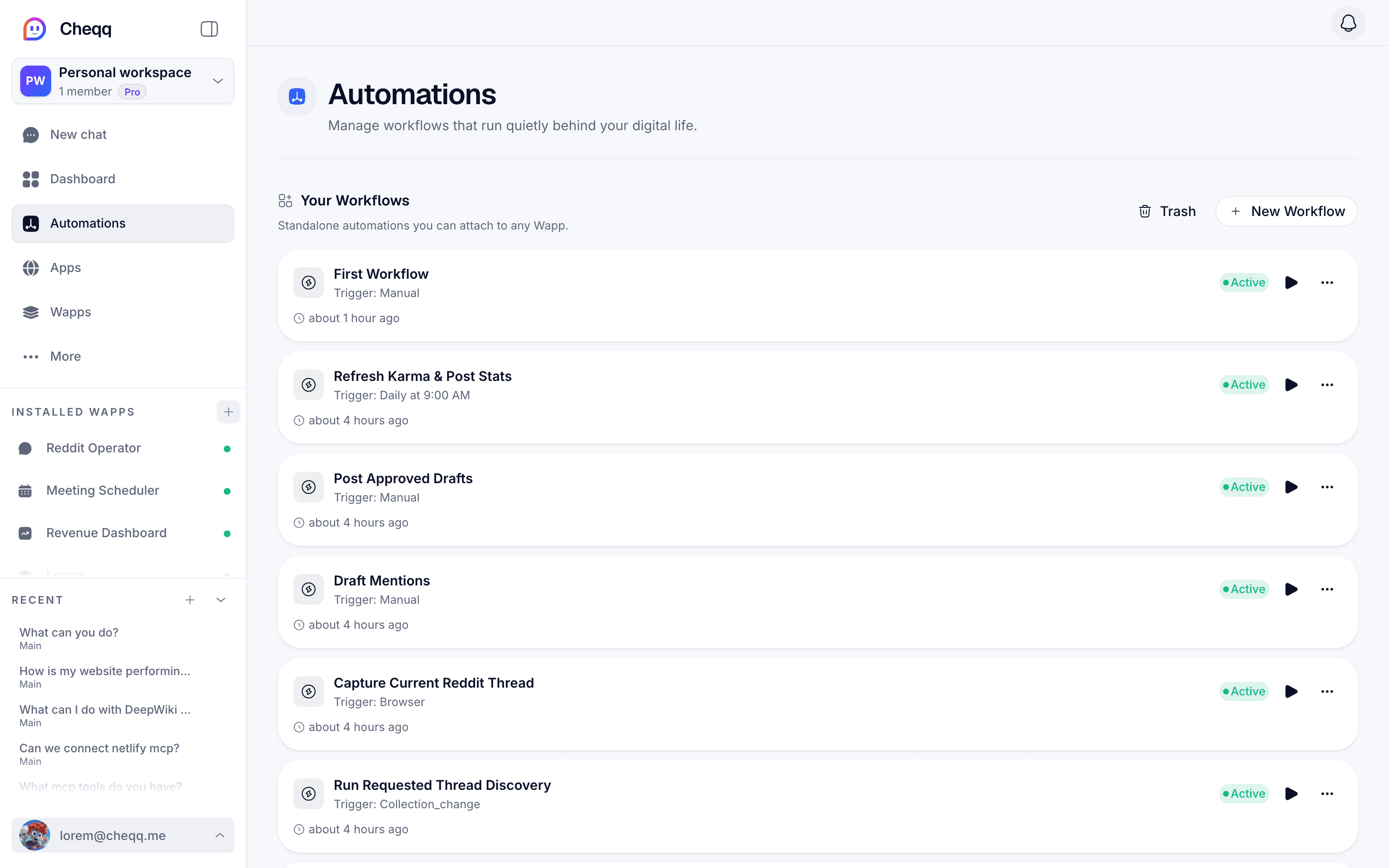
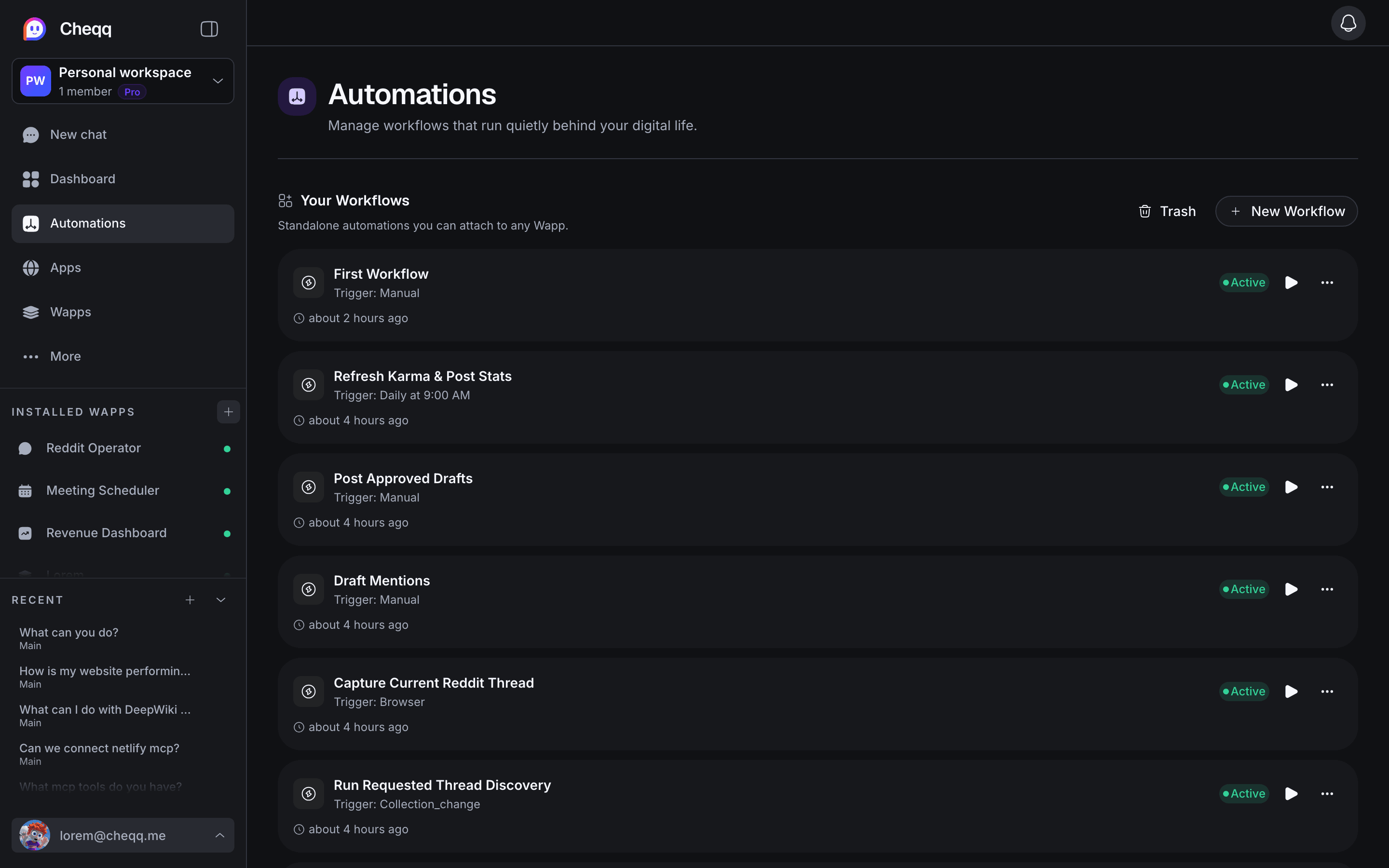
- The same result, every run
- no AI roulette
- Starts itself
- on email, schedule or a data change
- Reads like a recipe
- see what it does before it runs
- Stops for a human
- on anything consequential
Work that begins without you.
The job starts when the thing happens — an email lands, a record changes, the clock hits Monday, someone submits a form. You stop being the trigger.
- Schedule — daily, weekdays, weekly, monthly or custom cron, with a timezone and a next-run preview
- Email — a real inbound address with sender and subject filters, and follow-up tracking on the thread
- Webhook — a generated URL with optional HMAC-SHA256 signature verification and payload validation
- Collection change — fires on create, update or delete, with field-level conditions
- Browser — start a run from the page you are looking at, through the Companion extension
- Manual — a run-now button for the jobs you still want to start yourself
Real logic, not a linear list.
Branches, loops, parallel groups and waits, plus sandboxed code and CLI steps when a job needs actual computation. AI steps sit alongside them for the parts that need inference — including structured output against a schema.
- Branch, For Each, Do While, Do Until, Parallel, and Wait (delay, datetime, event or manual)
- Sandboxed JavaScript and CLI steps, plus direct API calls and integration actions
- AI steps that return text, structured JSON against your schema, images, or video
- Continue-on-error and compensation, so a failed run can unwind cleanly
Keep a human on the dangerous parts.
Some steps should never run on their own say-so. Code and CLI steps can require named approvers before they run, escalate to a second group if nobody answers in time, and record a decline as a normal outcome rather than a failure.
- Manual approval, or automatic approval only when your conditions hold
- Named approvers with timed escalation to a backup group
- Declines recorded as an outcome the workflow can branch on
- Every run streamed live, with cancel and resume
Automation you can audit
Readable by design
Workflows are steps on a canvas, not a prompt. You can see exactly what will happen before it happens.
Deterministic by default
The same input produces the same result. Inference re-engages only where you put an AI step.
Shared with your team
Collaborators with roles, and every run records which person's connected accounts it acted through.
Full run history
Every run keeps its step events and output, so a failure is something you can read rather than guess at.
Questions about automations
Do I have to build workflows by hand?
No. Describe the automation in chat and a dedicated workflow-builder agent assembles the steps, which you can then edit on the canvas. You can also start from a template that arrives with its workflows already wired.
What happens when a step fails?
You choose: stop the run, continue past it, or unwind the work already done with a compensation step. Failed runs keep their full event history, and suspended runs can be resumed.
Can a workflow call my own systems?
Yes — through direct API calls with your credentials, sandboxed code steps, managed integrations, or any MCP server you point Cheqq at.
Works with the rest of the workspace
Automate something today
Describe the routine you keep doing by hand, and watch it become a workflow you can read. Free to start.
Start free