Free
Build your first Wapps and experience the Cheqq loop.
$0/mo
750 AI credits / month
Unlimited workflows, 1,000 step-runs included
3 live apps with Cheqq attribution
Browser companion extension
The data, the automations, the apps, the documents — and the agents that run them. Describe it once; Cheqq builds it and keeps it going.
Free to start · No credit card · or browse ready-made templates ↓
Connects to 40+ tools
One workspace where your data, your automations, your apps and your documents finally live together.
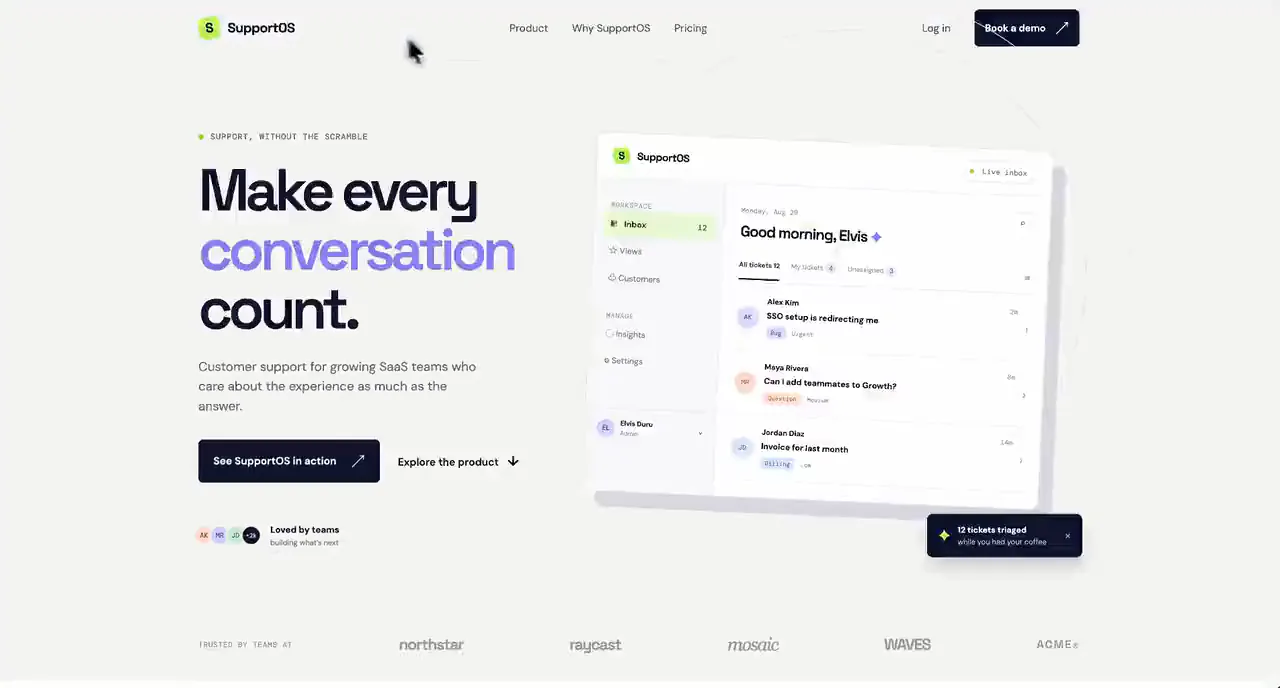
Ask for the page, the portal or the form and it is built against the records you already have — checked, previewed, then published. A real URL, your branding, and a binding that names exactly which fields it may touch.
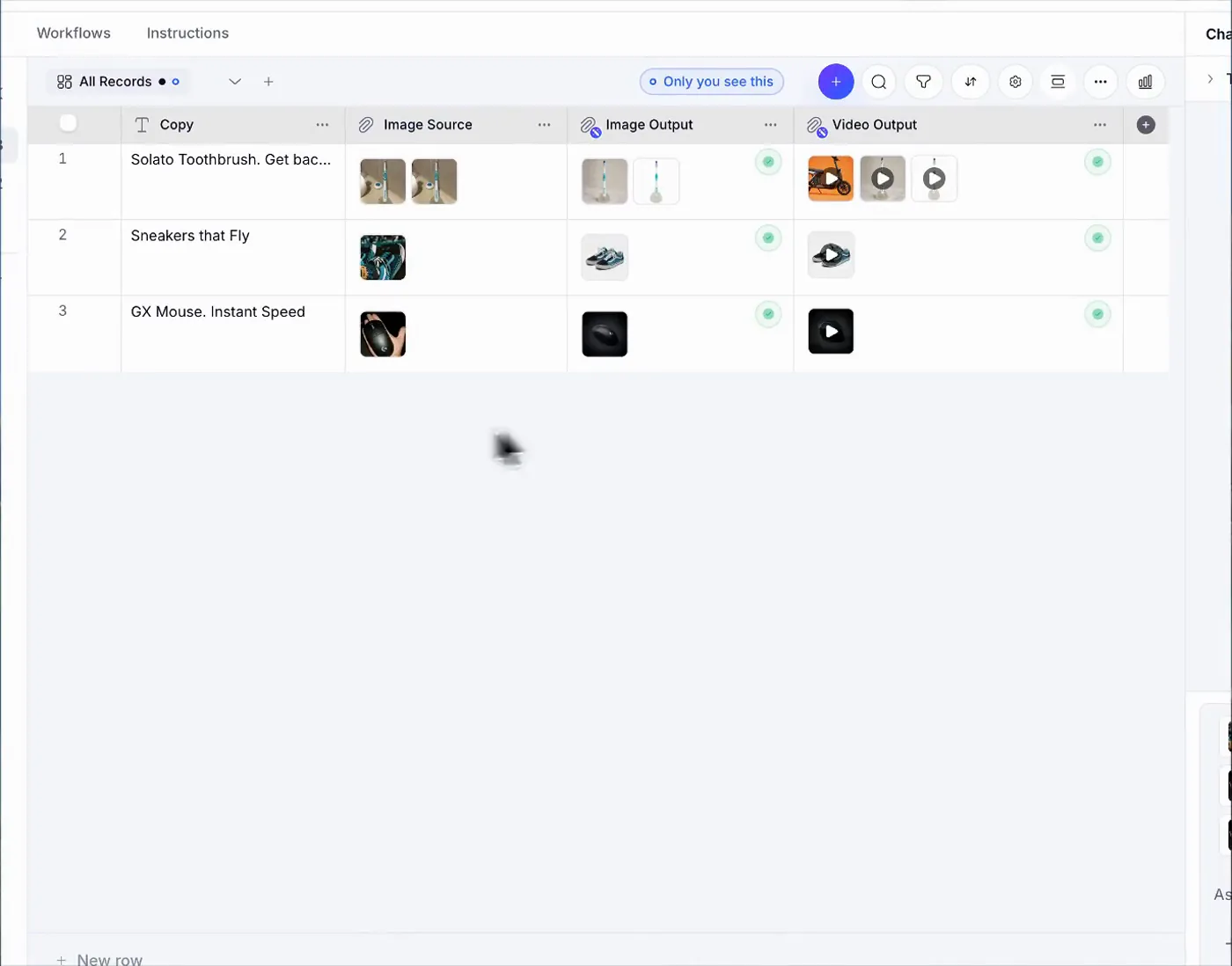
Point a column at what you want and it does that job for every row — reading the source, writing the copy, generating the image, cutting the video — and fills the table in as it finishes.
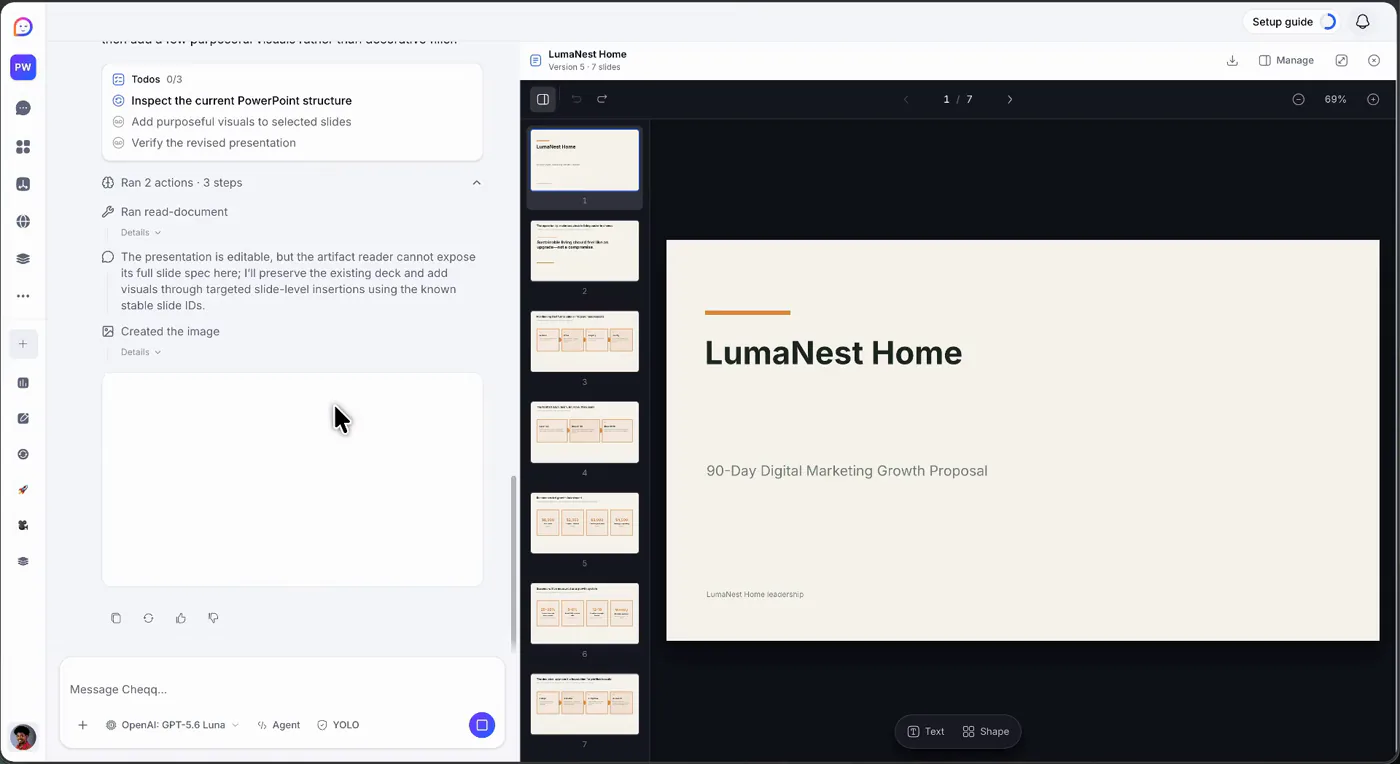
Ask for the proposal and it drafts one you can edit in place — slides, structure and images together, sitting beside the conversation that asked for it rather than in a file you now have to keep in sync.
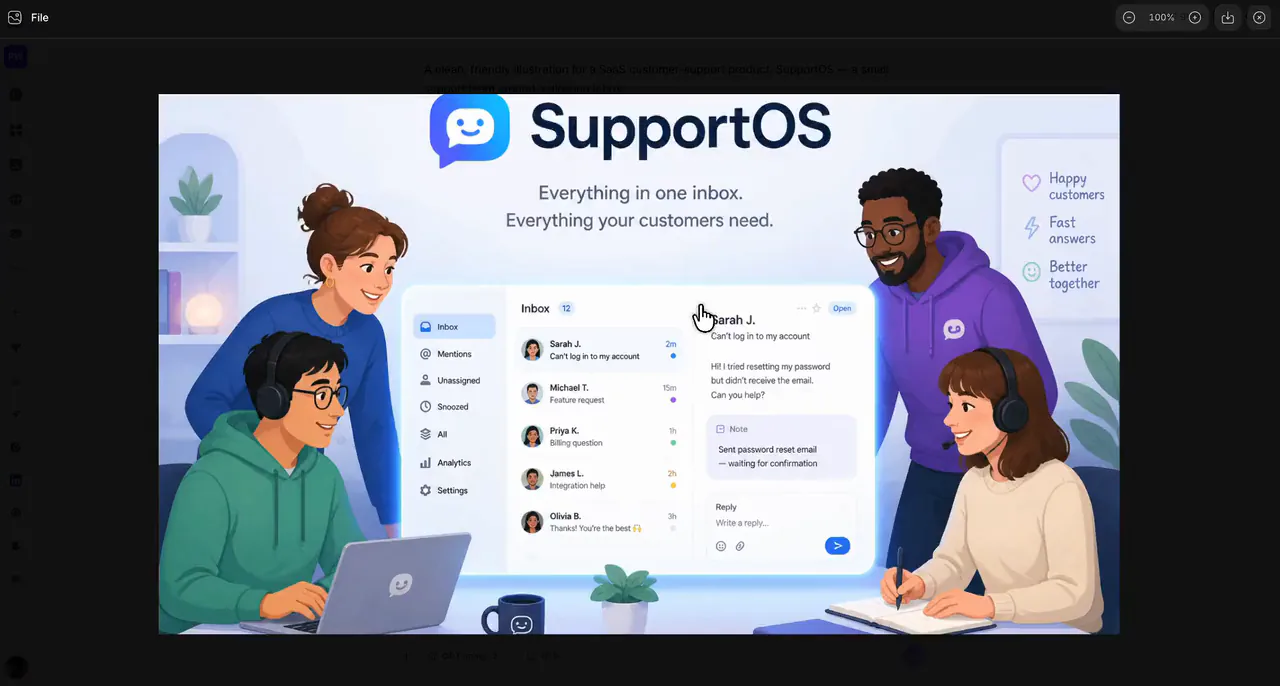
Say what the picture needs to show and it is generated in the same place as the records it belongs to — the product shot, the header, the thumbnail — with the model that made it named on the prompt.
Attach the still you already made, say what should move, and let it run. The clip lands beside the image it came from, ready to publish or attach — or start from nothing and describe the scene.
Pick one, connect your data, and it runs itself. Each template is a Collection, a Workflow, and Agent skills — yours to keep and reshape.
Your data has real structure from the first minute — typed fields, relations, computed columns. No schema to design, no migrations to run.
The automation already knows where your data lives, because it is the same system. No connectors between your own tools.
Apps are live at their own address the moment they build. Nothing to provision, deploy or keep patched.
The deck, the sheet and the report are generated from the records themselves, so the numbers cannot drift out of date.
Say what you need in the way you would tell a colleague. The agent handles the rest, and hands back something that runs on its own.
Connect Gmail, Notion, Linear, Stripe or anything with an API once — then use it from any automation without touching code.
Give a column a job and it does it for every row — and shows you the sources it used, so you can check the work instead of trusting it.
An app can only touch the fields you named, through a filter the server applies on every request. You can read exactly what it can reach — and so can your auditor.
Go back to any point in the conversation and the work goes back with it — and the version you abandoned is still there if you were wrong to.
Automation should not mean unsupervised. The steps that could cost you money wait for a named person to say yes, and chase someone else if they go quiet.
Flat pricing, no surprises. Start free and upgrade when your Wapps do more.
Unlimited viewers and app userson every plan. Even free.
Build your first Wapps and experience the Cheqq loop.
For operators running always-on systems with Cheqq.
Save $48 per seat yearly, billed annually
For teams that need pooled capacity and advanced controls.
Save $120 per seat yearly, billed annually
One price for the whole team, with every allowance pooled instead of rationed per person. At 10 builders that works out to $20 a seat, against $490 a month for the same number on Business.
For the whole workspace
$159/mo billed annually — save $480 a year
Choose Team| Compare plans | Free | Pro | Business |
|---|---|---|---|
| Core capacity | |||
| AI credits | 750 / month | 7,500 / seat / month | 20,000 / seat / month |
| Active Wapps | 3 | Unlimited | Unlimited |
| Active workflows | Unlimited | Unlimited | Unlimited |
| Workflow step-runs | 1,000 one-time | 20,000 / seat / month | 100,000 / seat / month |
| Workspace storage | 250 MB | 10 GB / seat | 100 GB / seat |
| Run history | 7 days | 90 days | 365 days |
| Browser automation | |||
| Browser companion extension | Included | Included | Included |
| Integrations and AI | |||
| Model tiers | Basic | Basic, Standard, Premium | Basic, Standard, Premium, SOTA |
| Personal BYOK | Included | Included | Included |
| Shared workspace BYOKEarly access | Not included | Not included | Included |
| Custom API connectionsEarly access | 0 | 5 | 50 |
| Custom OAuth appsEarly access | 0 | 3 | 25 |
| Custom MCP serversEarly access | 0 | 2 | Unlimited |
| Publishing and control | |||
| Live apps | 3 with Cheqq attribution | Unlimited | Unlimited |
| Remove Cheqq brandingEarly access | Not included | Included | Included |
| Custom domainsEarly access | Not included | Included | Included |
| Per-file upload | 5 MB | 25 MB | 100 MB |
Cheqq is an AI workspace. Your data lives in it as structured tables, your repeatable work runs in it as automations that behave the same way every time, and it publishes the apps and documents that sit on top of them. Agents build and operate all of it — you describe what you need, and it keeps running without AI in the loop.
No. You describe what you want, and the AI generates the data model, the workflows, and the screens. You change anything the same way — by describing the change. Everything it produces stays inspectable and editable by hand if you want it.
A Wapp is one complete system inside the workspace: collections for its data, workflows that act on that data, agent skills for talking to it, and its own instructions. Install one from the store or build your own from a prompt — either way it is yours to reshape, duplicate, or share with your team.
Most agent tools re-run a model on every step, so results vary between runs and cost scales with usage. Cheqq compiles your intent once into deterministic workflows: the same input produces the same result every time, and most day-to-day runs use no AI at all. Inference re-engages only where a step genuinely needs judgement — or when you ask it to change something.
Expense and receipt tracking, lead pipelines that qualify and reply, order boards, subscription monitors, client portals, booking pages, research tables that fill themselves, branded decks and reports, and the automations that keep all of them current.
Yes. Gmail, Notion, Linear, Stripe, Atlassian, Airtable, PayPal, Google Workspace and dozens more connect as managed integrations — most in a single approval. Beyond those you can register your own OAuth app, connect any REST API with a key, or point Cheqq at any MCP server by URL.
Free to start, no credit card — the free plan includes AI credits, your first Wapps, live apps, and active workflows. Paid plans are flat per seat and add more credits, unlimited Wapps and workflows, longer run history, and team features.
Yes, on every plan including free. Bring your own OpenAI, Anthropic, Google or OpenRouter key and pay your provider directly — Cheqq does not mark up inference.
Each workspace is isolated, and published apps are default-deny: an app can only read the fields you explicitly list, through a filter the server enforces and the client cannot widen. Code and CLI steps run sandboxed, sensitive workflow steps can require named human approval, and nothing crosses a boundary unless you grant it.
Describe it once. Cheqq builds it, then keeps it running — free to start, no credit card.