Finished docs, decks and designs, from one chat.
Ask in chat, and Cheqq writes the brief, builds the deck or designs the posts, from your notes and your own records. When a record changes, everything built from it follows.
- Docs and plans
Call notes in, client brief out.
Drop in Tuesday's call notes and ask for the brief. If it needs to know something, like whether to lead with the timeline or the budget, it asks first, then writes the brief while you watch.
- Briefs, plans, proposals, recaps and reports
- One question first, when it needs one
- A brief written from research lists its sources
- Export as .docx or .pdf, or share a link
Quarterly reportPipeline health, Q3SegmentDealsValueEnterprise12$148kMid-market31$96k - Decks
The numbers in, a deck out.
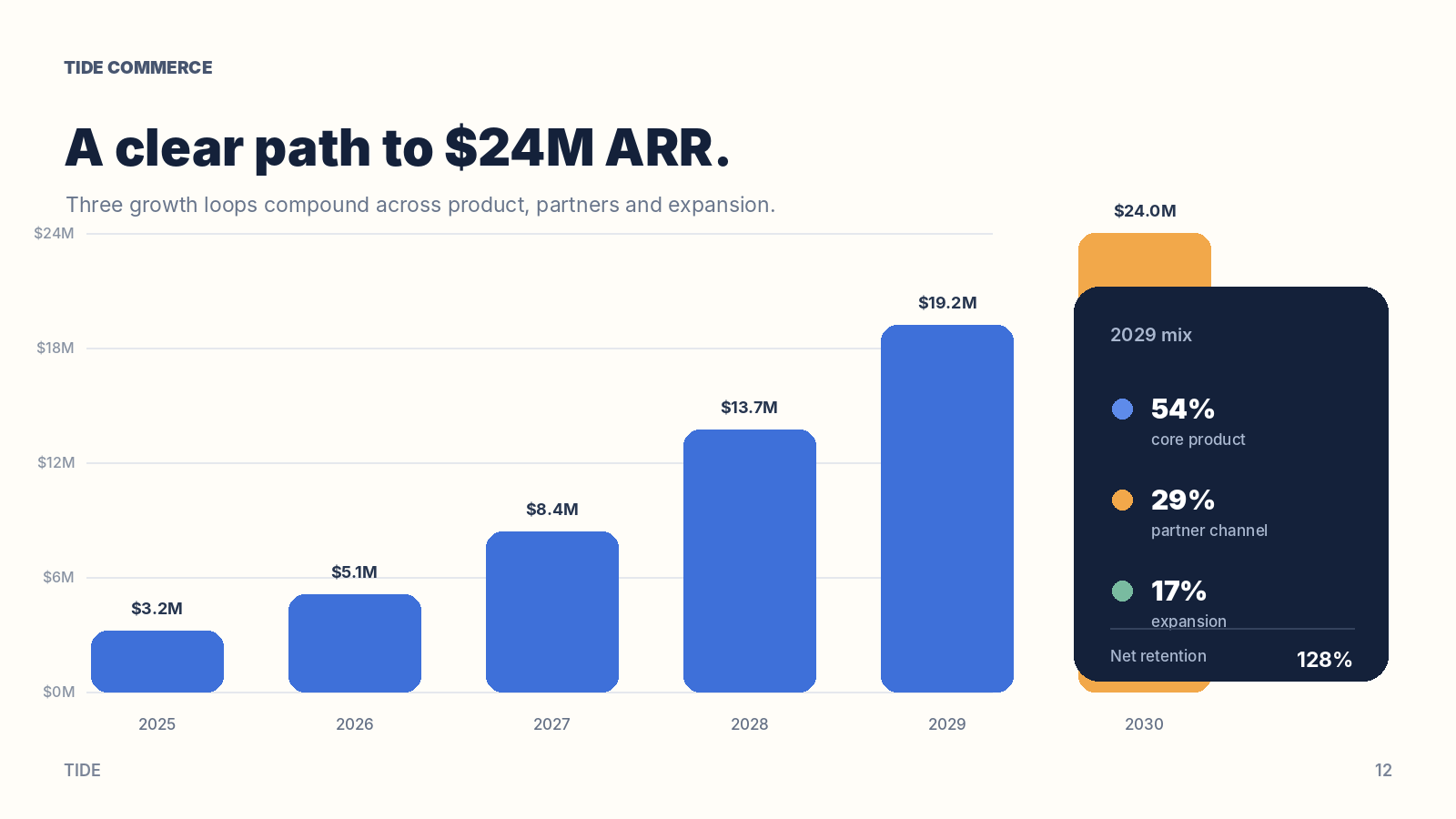
Give it the Q3 numbers and it builds the deck, one idea per slide, with the charts drawn from the figures. Comment on a chart, “add last year”, press Send to Cheqq, and it makes the change and answers in the thread.
- Charts drawn from your own figures
- Speaker notes that travel with the deck
- Present full screen, with a presenter view
- Export as .pptx or .pdf

- Designs
One post, every size.
Ask for the launch post and get it in 16:9, 1:1, 4:5 and 9:16, one for every feed. Change the accent once, and every size is recoloured.
- Posts, cards, posters and diagrams
- Comment on any part to change it
- Export as .png, .jpg or .pdf
Launch postAccent16:91:14:59:16One accent change recolours every size - Sharing
Share a link, keep control.
Everything starts private. Publish the version you choose to its own link: readers see that version, not your drafts, and you can take it down or let it expire.
- Kept out of search, unless you submit it to the Showcase and it's accepted
- An expiry date, and a choice over downloads
- Your own preview text when the link is shared
cheqq.ai/d/q3-pipeline-reviewQuarterly reportPipeline health, Q3SegmentDealsValueEnterprise12$148kMid-market31$96kPublished v4UnlistedExpires in 30 days
Writing you do every week
Recaps, client updates and posts, written by hand week after week. Each of these templates keeps the records and does the writing.
Forward the notes and the recap comes straight back: what was decided, who owes what, by when.
Meeting notes sit in a notebook until someone writes up the recap.
Meeting Notes & Actions templateEach client's status is written for you: what shipped, what's in flight, what you're waiting on.
The Friday client update starts from a blank page every week.
Client Tracker templateEach idea becomes a researched draft, with its own cut for every channel you post to.
Every post is rewritten by hand for each channel.
Content Studio template
Documents that keep up with your records
The launch date lives in one record. Move it from Oct 14 to Oct 21, and the brief, slide six, the story post, the website, the email and the team calendar all change with it. Nothing to hunt down and fix by hand.
The launch date lives in one record. Change it from Oct 14 to Oct 21, and everything built from it follows: the brief’s timeline, slide six of the deck, the Instagram story, the website, the email to Maya and the team calendar.
Docs and reports
Proposals, client summaries and the monthly update, written from your records and exported as .docx or .pdf.
The numbers are your numbers
Tables and figures come straight from your records, never retyped, so the report can't quietly disagree with them.
Sources beside it
A report written from research lists what it cites, kept with that version so a later edit never changes it.
Change it by asking, or by hand
Describe the change in the chat, comment on a paragraph, or edit the words yourself.
Every save is a version
Open any earlier version and restore it, so no edit is a one-way door.
What do you need to make?
A deck for the board, a sheet that fills itself, the monthly report.
Questions about documents
What can Cheqq make from one chat?
Docs, plans, decks and designs. Ask for a client brief, a board deck or a launch post, and it makes it from your notes, your files and your records. It asks a question first when it needs to, then writes while you watch.
Are these real Word, PowerPoint and PDF files?
Yes. Docs export as .docx or .pdf, decks as .pptx or .pdf, designs as .png, .jpg or .pdf, and sheets as .xlsx. In the editable PowerPoint, each slide's text comes back as text boxes you can change; charts and pictures come across as images.
Does a document stay up to date on its own?
Yes, when it's built from your records. Change a record, and the doc, the deck or the post built from it changes too. You can still ask for a fresh version at any time, or put one on a schedule.
Can I edit what it makes?
Yes. Comment on any part of it and press Send to Cheqq: it makes the change and answers in the thread. Or switch to Edit and change the words, colours and spacing yourself. Every save is a version you can restore.
Who can see a published document?
Nobody, until you share or publish it. A published link opens for anyone who has it, and stays out of search unless you submit it to the Showcase and it's accepted. It can expire or be taken down, and readers see the version you published, not your drafts.
Where does the content come from?
From what you give it: notes, files, the web, and the records you keep in Cheqq. A report written from research lists its sources beside it, kept with that version.
Works with the rest of Cheqq
Hand over this week's update
Drop in your notes or point at your records, and ask for it. Free to start.