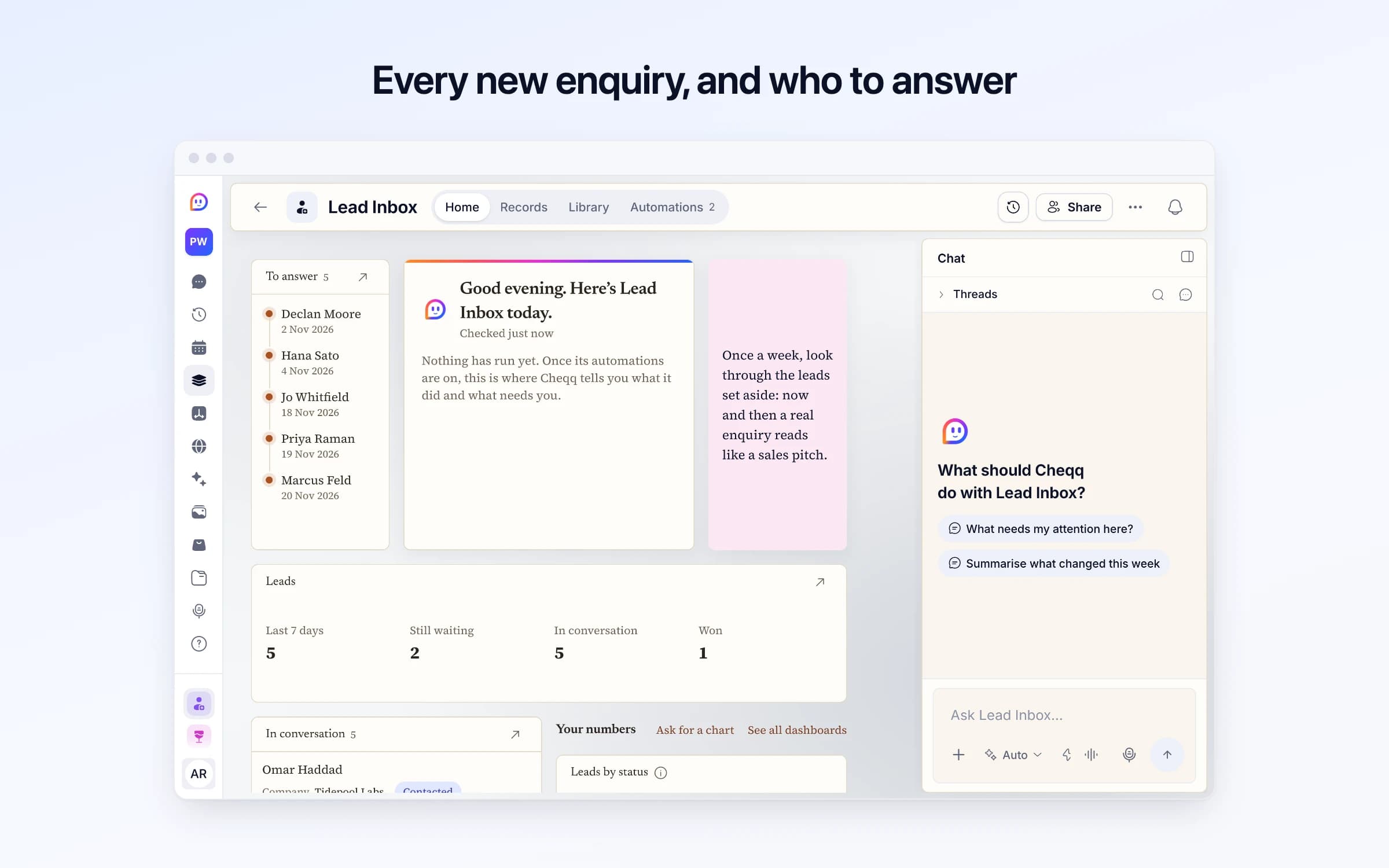
Lead Inbox
The simplest inbound catcher: every emailed enquiry on one board, with a reply drafted for you to approve.
Cheqq for solo founders
When it's just you, Cheqq's agents take the admin around the work: enquiries answered, invoices sent and chased, receipts filed and every client kept up to date. You describe each job once, approve what goes out, and can pause anything.
Free to start. No credit card.
Each of these started as one sentence. Yours starts the same way.
Point your contact form or inbox at your Cheqq address. Each enquiry lands on one board with a short, warm reply drafted, so the lead who wrote at 9am hears back before they ask someone else.
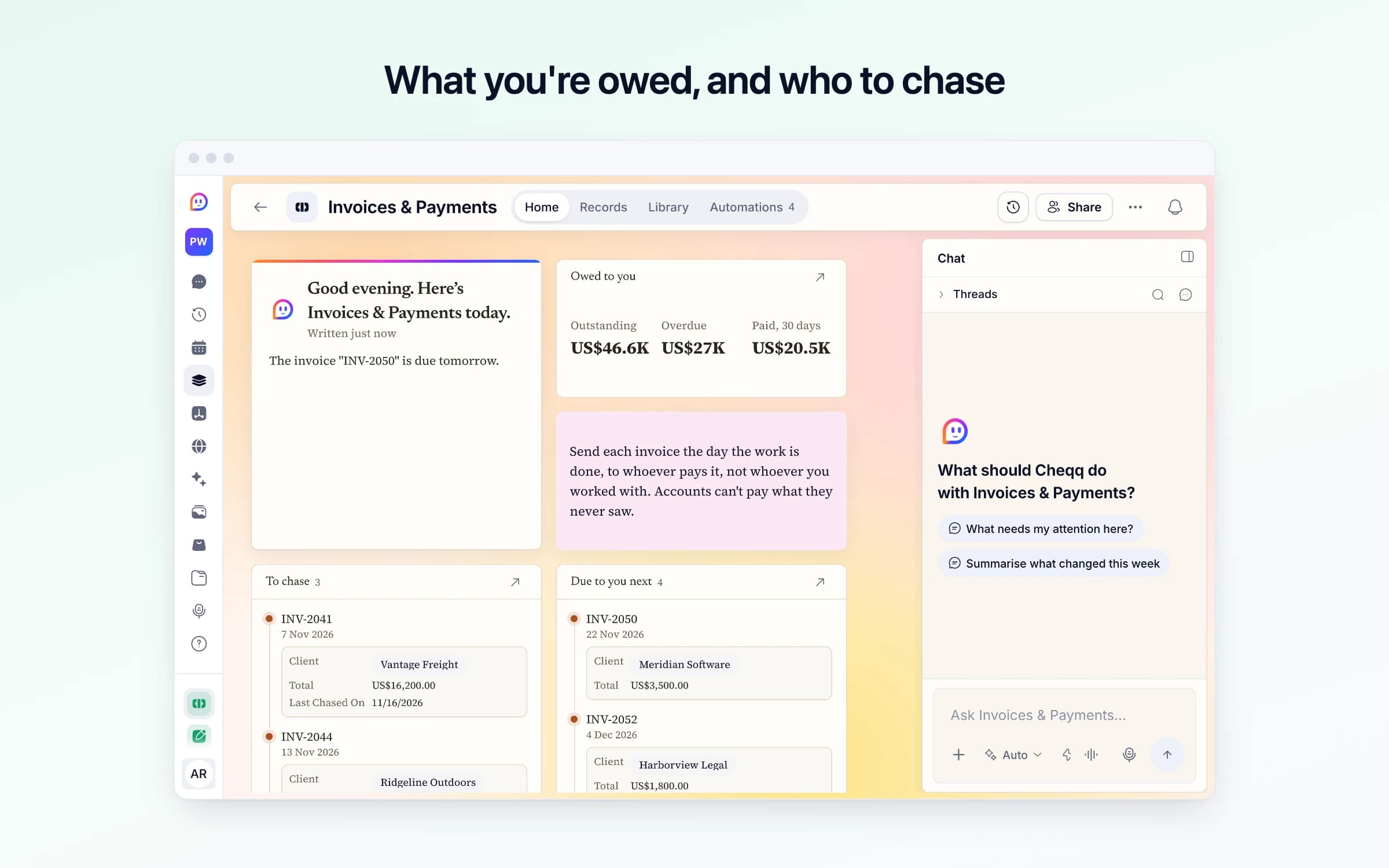
Build each invoice from the work you did. It's emailed once you approve it, you can see what's outstanding by client, and a polite reminder is drafted for anything past its due date.
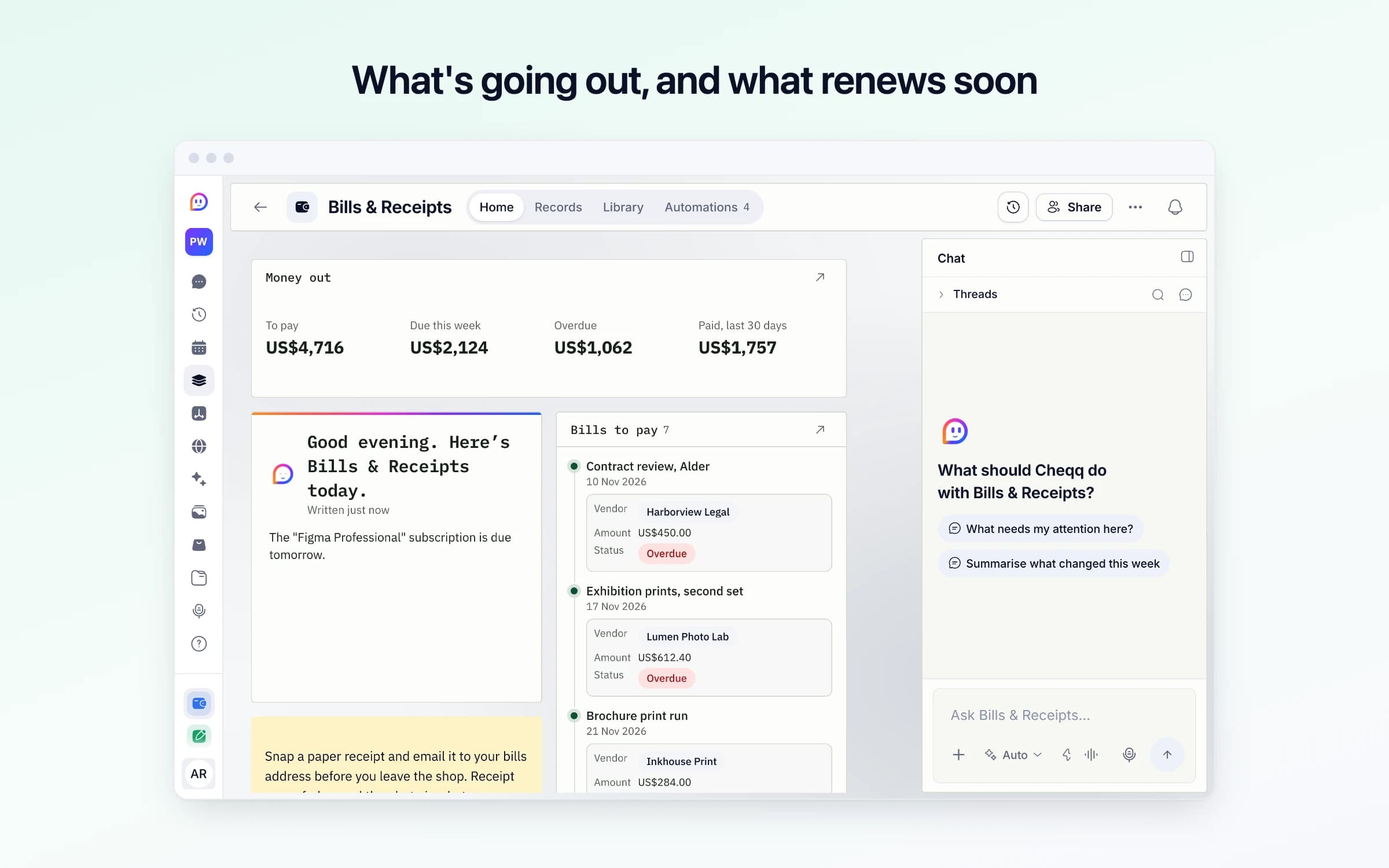
Forward receipts, bills and renewal notices to one address. You see what's due, what's paid and what renews next, with a reminder before anything is due and each month's spending in one place.
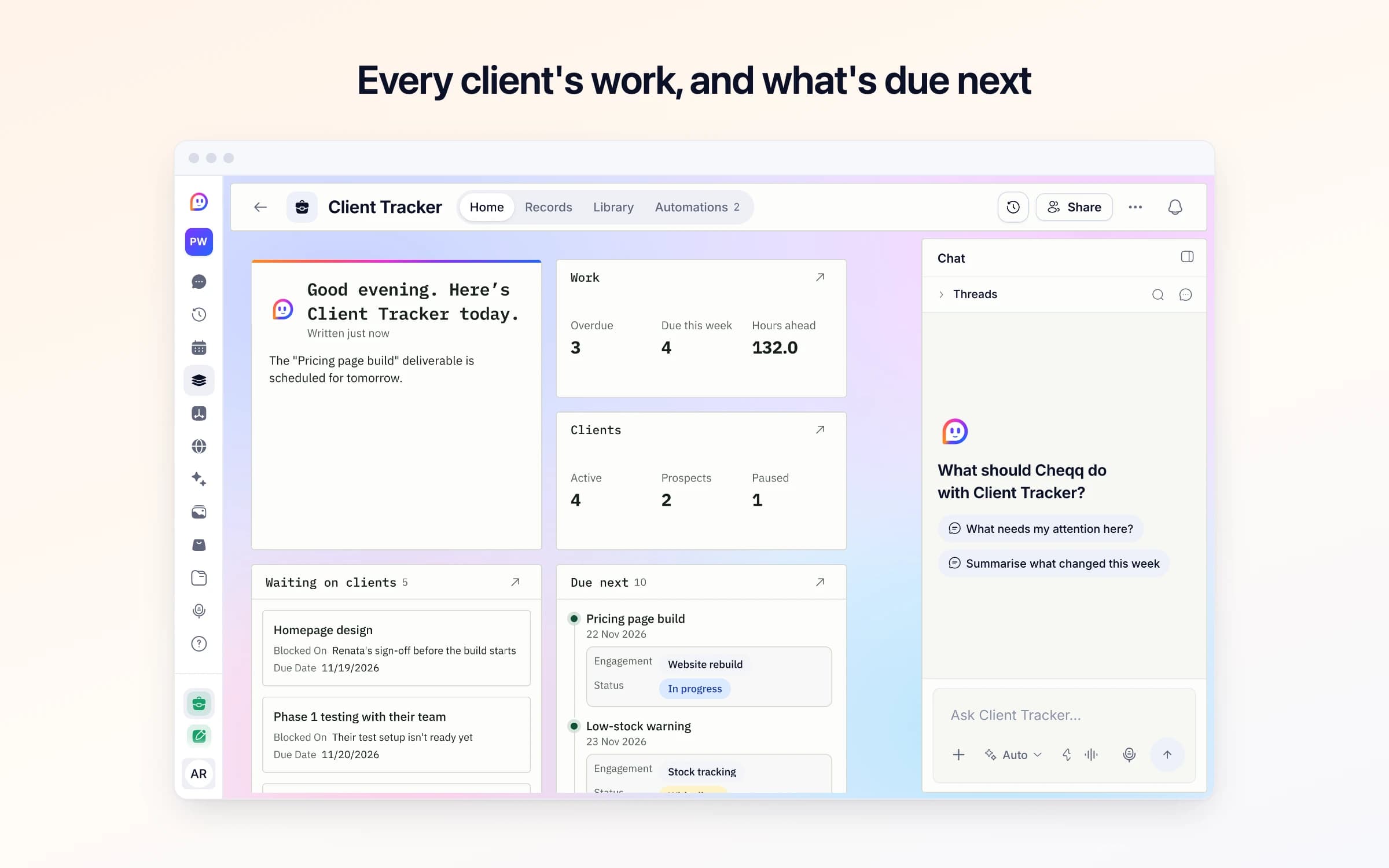
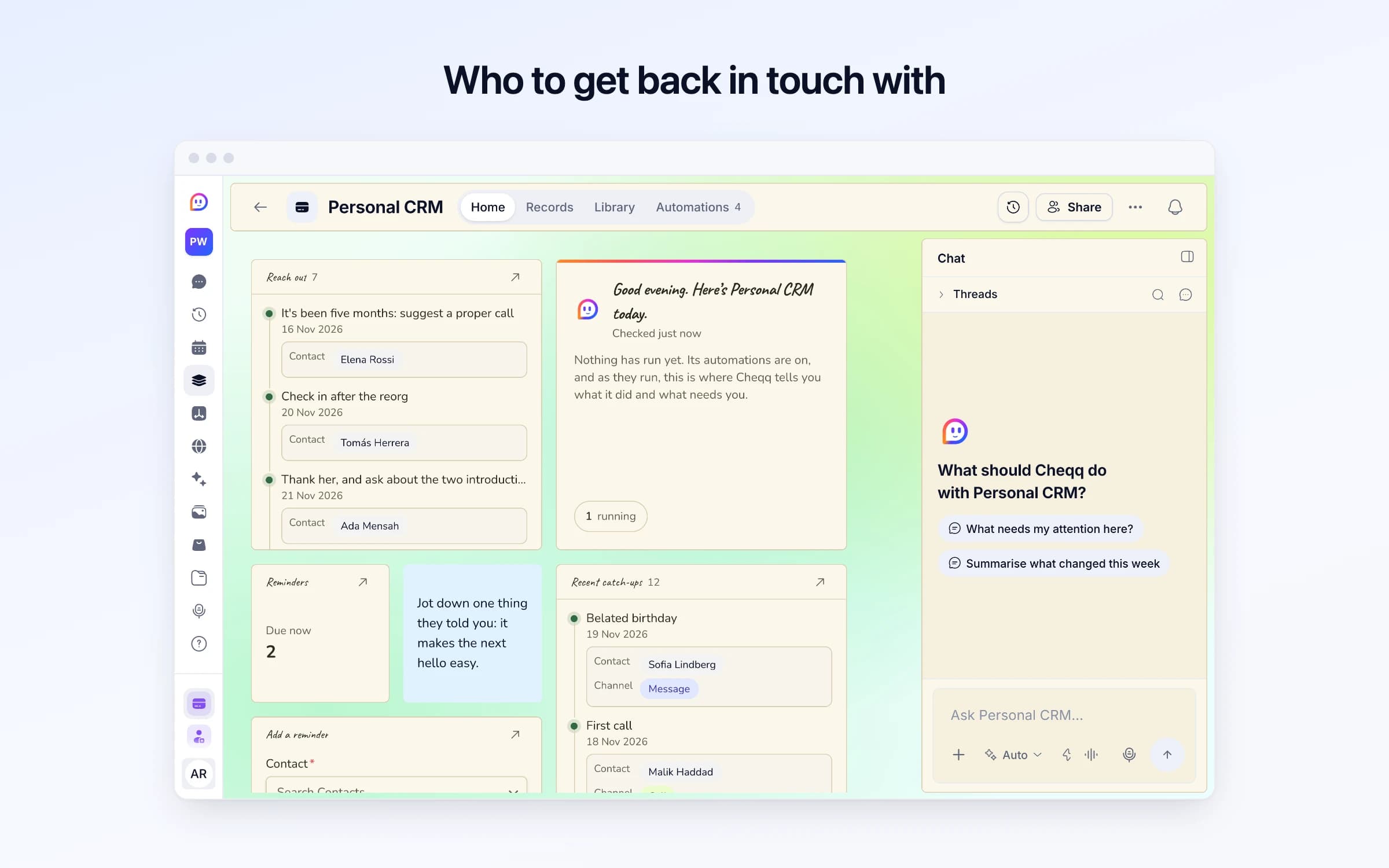
Clients, engagements and deliverables in one place. Each Friday a status note for every client is written for you, and each morning you hear about anything that has slipped.
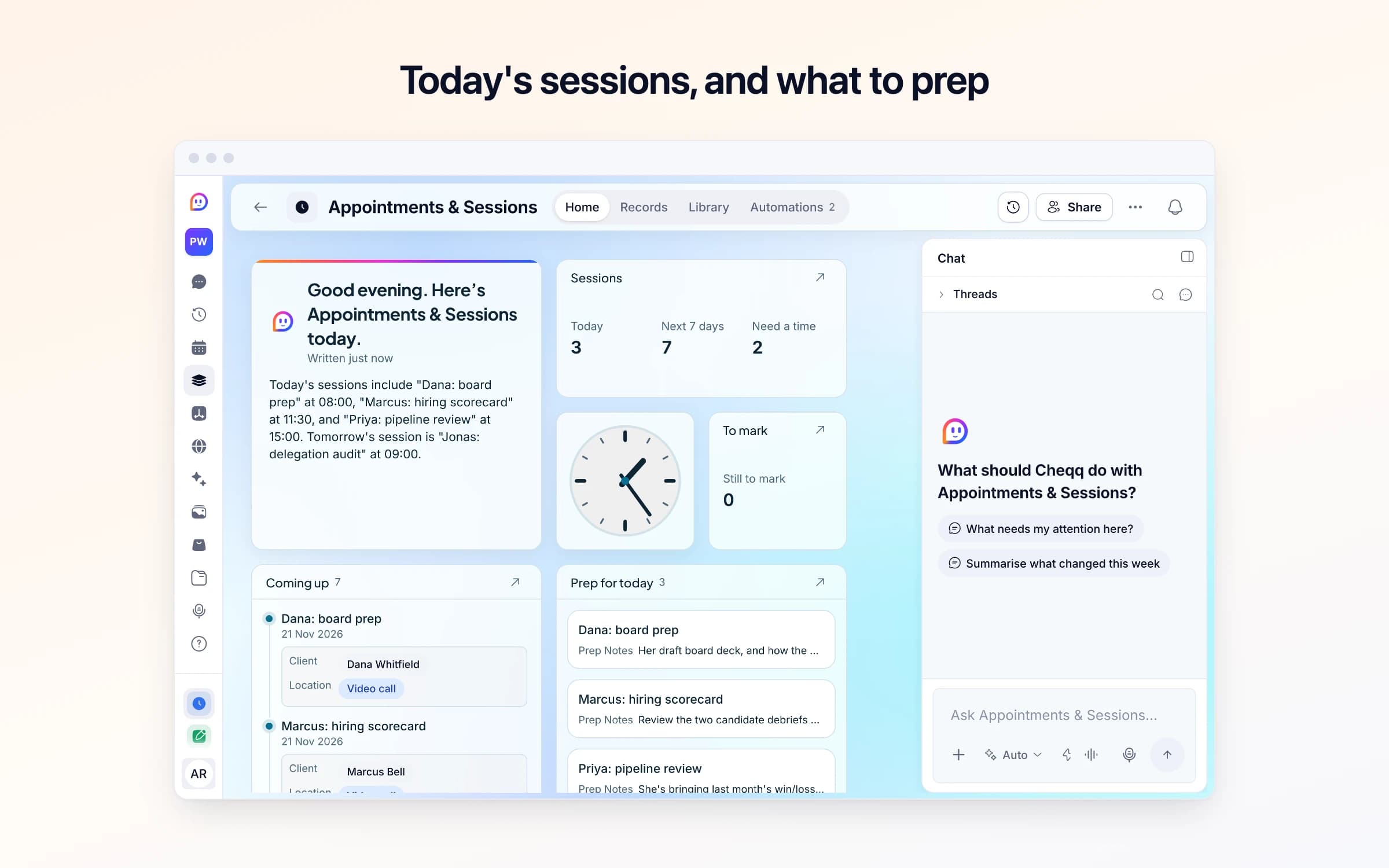
Your sessions sit on a week calendar you drag to reschedule. A morning brief lists who you're seeing and their notes, an evening check asks which to mark or rebook, and your phone's calendar can subscribe to it.
Your clients, your money and your calendar read the same records, so you're never copying a figure from one app into another.
Connect once, then use them from any automation — no exports, no copy-pasting.
Not listed? Connect your own API or MCP server, in early access on Pro and up.
Enquiries, invoices, bills, clients and bookings. Open one to see it working, then make it yours.
The job you repeat every week and keep putting off. For most one-person businesses that's answering enquiries or sending and chasing invoices. Install the template, forward it one real example, and see what it does before you trust it with more.
Only if you let it. Put an approval before any step that emails a client or moves money, and the run waits for your yes. Many people start with drafts only and let it send once they trust what it writes.
No. Each system gets its own Cheqq email address. Forward what it should handle, or point your contact form at it, and your inbox stays yours.
Scheduled automations run on their own, whether or not you're signed in. Anything that needs your yes waits for it and tells you it's waiting, and you can pause any automation in a click.
Yes, and there's no credit card to enter. The Free plan runs up to three systems at once, with 1,000 automation steps a month. Every plan comes with AI credits: on Free, 500 AI credits to start and 100 more each month. Paid plans are priced per person who builds; viewers and customers are free on every plan.
Hand over one job you repeat every week, and read every step before it runs. Free to start.